How to Set Up the AirPods Pro 3 Hearing Aid and Hearing Test
Step-by-step setup for the hearing test and clinical-grade hearing aid feature on AirPods Pro 3 and Pro 2, plus who it's for and where it's available.
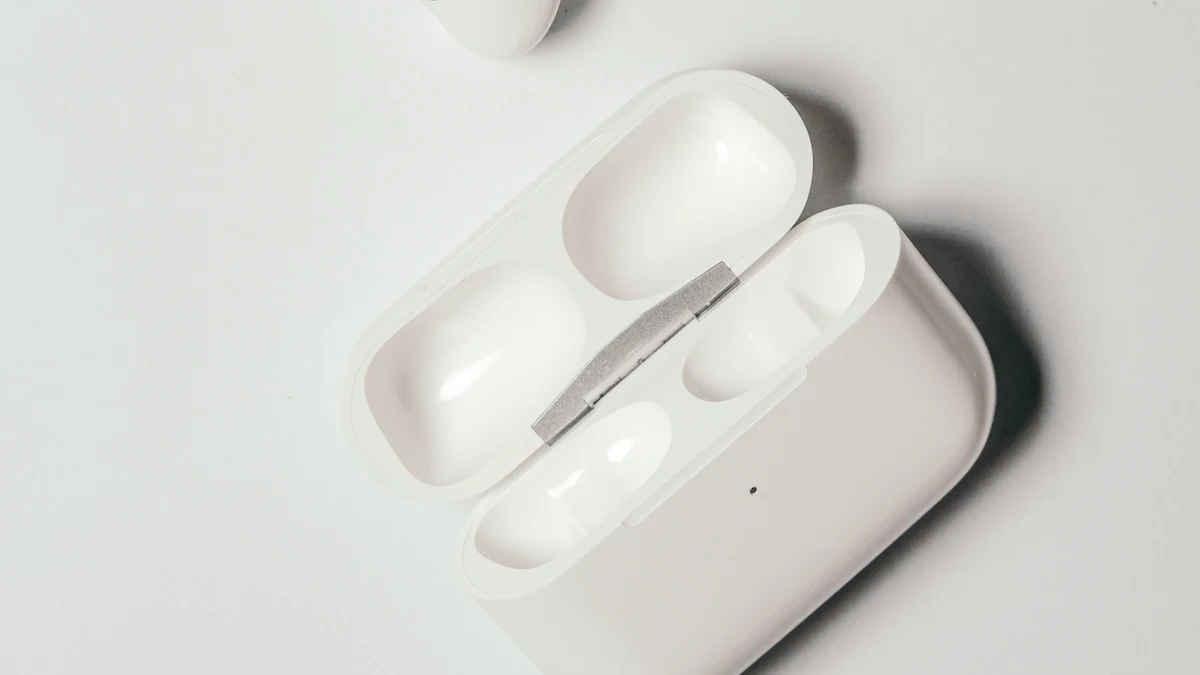
 AirPods Pro 3 (and AirPods Pro 2) include hearing health features that used to require a separate device: a hearing test you can take at home, and a clinical-grade hearing aid feature for perceived mild to moderate hearing loss.
Here's how to set them up.
Before you start
- You need AirPods Pro 3 or AirPods Pro 2 with up-to-date firmware, and an iPhone or iPad on a recent iOS version.
- Find a quiet room. Background noise makes the test less accurate.
- Make sure the ear tips fit well. A poor seal affects results. Your iPhone can run an ear tip fit test in the AirPods settings.
- These features aren't available in every country or region.
Step 1: Open the AirPods settings
Put your AirPods in your ears, connected to your iPhone. Open Settings and tap your AirPods' name near the top.
Step 2: Set up Hearing Assistance
- Tap Hearing Assistance (if you don't see it, tap Hearing Health first).
- Tap Set Up Hearing Assistance.
- Follow the on-screen steps.
Step 3: Take the hearing test (or use an existing one)
You'll be asked to take the Hearing Test, which takes a few minutes. You tap the screen when you hear tones in each ear.
Already have an audiogram from a hearing professional? You can use that result instead.
Step 4: Turn on and fine-tune the Hearing Aid feature
After setup, you can adjust:
- Amplification: how much sounds are boosted
- Balance between left and right
- Tone: brighter or warmer sound
Try it in real situations: conversations, restaurants and TV, and adjust.
Who it's for
The feature is designed for adults with perceived mild to moderate hearing loss. It's a convenient, affordable first step for many people.
See a hearing professional if:
- Your hearing loss is more than moderate, or changed suddenly
- You have pain, ringing (tinnitus) or ear infections
- The test suggests significant loss
Other hearing features
- Hearing Protection reduces loud environmental noise, like concerts or power tools.
- Conversation Boost helps you focus on the person in front of you.
Choosing AirPods?
Comparing earbuds? See AirPods Pro 3 vs Galaxy Buds4 Pro.