The Best Laptop for Nursing Students (That Runs Exam Software)
Most nursing schools use ExamSoft's Examplify for exams, and it won't run on Chromebooks. Here's what to buy, what to avoid and how to check before you pay.

Nursing students have one requirement most laptop guides ignore: your exam software. Many nursing programs give exams through ExamSoft's Examplify, and if your laptop can't run it, you can't sit the exam.
So before anything else: check your school's laptop requirements. Then use this guide.
The rules that matter (Examplify)
According to ExamSoft's minimum requirements:
- Works on: Mac, Windows, and iPad (in supported versions)
- Does NOT work on: Chromebooks, Android tablets or Linux
- Windows: 64-bit Windows 10 or 11. Windows in "S mode" isn't compatible, so make sure you can switch out of it.
- RAM: 8GB or more recommended (4GB is the bare minimum)
- Screen: at least 1280 × 768 resolution, with display scaling at 100%
- No virtual machines during secure exams
Some schools set stricter rules, such as a 13-inch screen, 8GB of memory and a 256GB SSD. Your school's list beats any guide, including this one.
Our picks
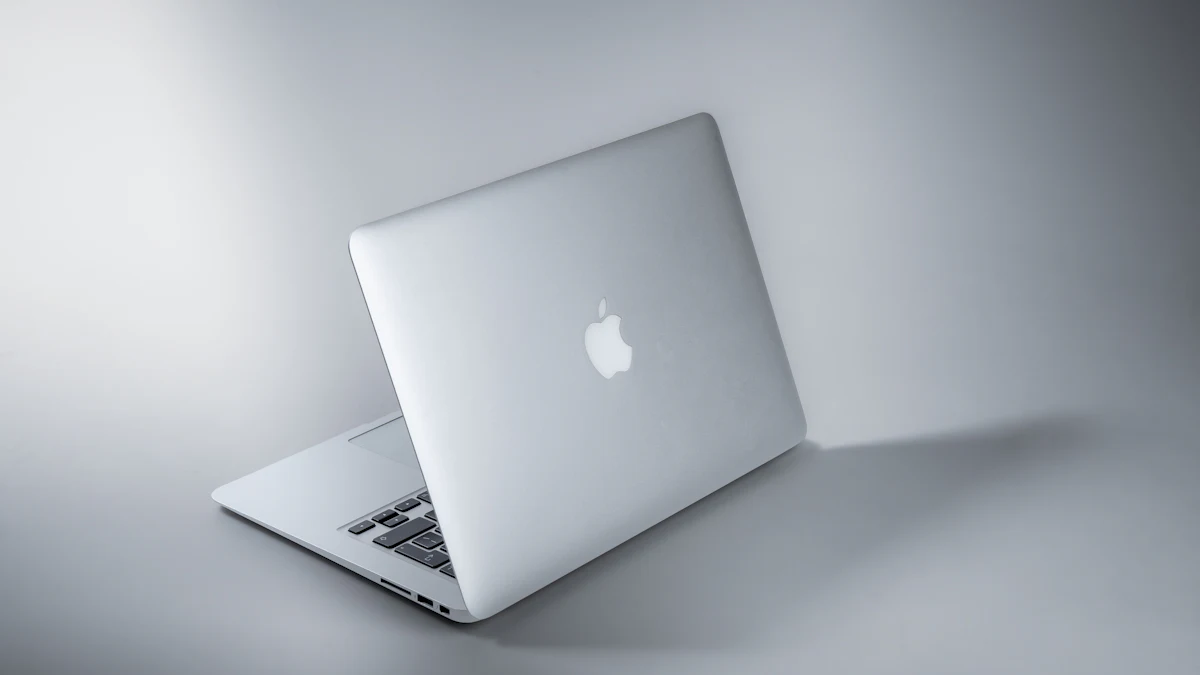
Best overall:  MacBook Air (M5)
Light, silent, with all-day battery for long clinical days and lecture blocks. 16GB of memory and 512GB of storage as standard, now from $1,299 (education pricing is usually lower). It runs Examplify and everything else you'll need.
Best budget Mac: MacBook Neo
From $699 with 8GB of memory, which meets Examplify's recommendation. It's great for notes, research and exams. Reviewers say 8GB handles everyday multitasking well, but heavier work strains it. See is 8GB enough on the MacBook Neo?
Best Windows option: a mid-range laptop with 16GB
Look for:
- Windows 11 Home or Pro, not "S mode" (or switch out of S mode on day one)
- 16GB of RAM if you can, 8GB minimum
- A 13- to 14-inch screen for portability
- Good battery life
Before buying a Snapdragon (Arm) Windows laptop, confirm with your school that Examplify supports it. Arm compatibility for specialist exam software can lag behind. See Snapdragon X2 Elite explained.
What to avoid
- Chromebooks. Cheap and great for many students, but they won't run Examplify.
- Windows laptops locked in S mode that you don't switch out of.
- Very old laptops that can't run current Windows or macOS versions.
- Touchscreen-only workflows. Examplify doesn't support touch input on laptops, so you'll use the keyboard and trackpad.
Before your first exam
- Download Examplify from your school's portal well before exam day.
- Run a mock exam. Most schools offer one.
- Turn off antivirus or VPN software only if your school instructs you to.
- Keep your laptop updated, but don't install big updates the night before an exam.
- Bring your charger. Always.
Also useful
- The best note-taking apps for students
- How to use NotebookLM for studying
- The best laptops for students