WordPress vs Wix: Which Should You Build Your Website With?
Wix is easier and handles everything. WordPress gives you full ownership and is better for blogs and SEO-heavy sites. Here's the honest trade-off.
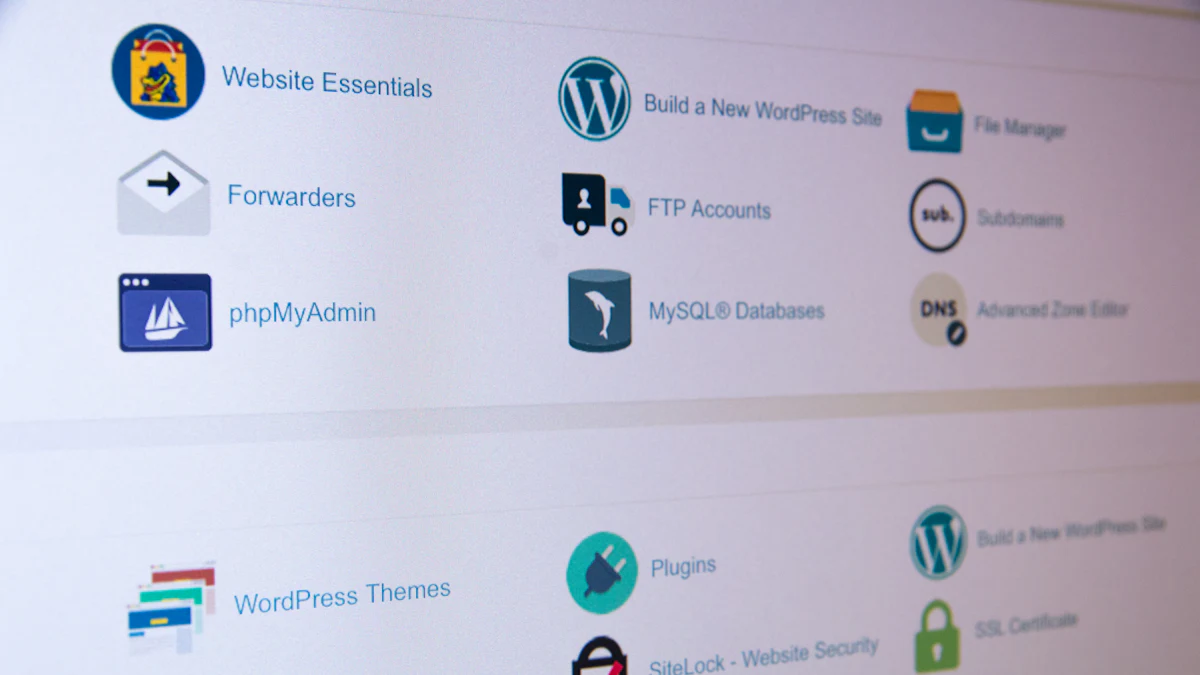
Wix is the easier choice: drag-and-drop design, hosting included and nothing to maintain. WordPress is the more powerful choice: you own everything, there's a plugin for almost anything, and it's built for publishing lots of content.
First, an important clarification that confuses many people.
WordPress.com vs WordPress.org
- WordPress.org is the free, open-source software. You install it on your own web hosting and have total control. You're also responsible for updates, security and backups.
- WordPress.com is a hosted service run by Automattic. It handles hosting and updates for you, more like Wix. Cheaper plans have limits on plugins and customization.
When people say "WordPress", they usually mean the open-source software on their own hosting.
 Wix: easiest way to a nice site
You choose a template and drag elements wherever you like. Hosting, security, SSL and updates are included. There's an app market for bookings, online stores, events and restaurant menus.
Wix is great for:
- Small businesses that need a good-looking site this week
- People who never want to think about technical maintenance
- Visual sites: portfolios, salons, cafés and event businesses
Wix limitations:
- Paid plans are needed to remove Wix ads and use your own domain (the cheapest ad-free plans start around $17 a month billed yearly)
- Moving away is hard. You can't take your Wix site design to another host
- Very large content sites can feel limited
 WordPress: most powerful and flexible
WordPress runs a huge share of all websites. Thousands of themes and plugins add features: SEO tools, online stores (WooCommerce), memberships, forms and more.
WordPress is great for:
- Blogs and content-heavy sites that want to rank on Google
- Sites that will grow and need custom features
- Anyone who wants to fully own their site and move it anywhere
WordPress limitations:
- More to learn
- You handle updates, backups and security (or pay a host that does)
- Plugin conflicts can break things
Cost comparison
Wix: a monthly plan that includes hosting. Simple, predictable and you pay as long as the site exists.
WordPress.org: the software is free, but you pay for hosting (from a few dollars to $30+ a month depending on quality; see how to choose web hosting), a domain, and optionally premium themes and plugins.
WordPress.com: plans start around $4 a month billed yearly, rising for business and e-commerce features.
Our recommendation
- Not technical, want it done fast, mostly a "brochure" site: Wix.
- Planning to blog seriously or build something big: WordPress.
- Want WordPress without maintenance: WordPress.com or managed WordPress hosting.
Still deciding? See our wider comparison of the best website builders for small businesses, or how to start a blog.