Apple HomeView Explained: What the $299 Smart Display Does
Apple's HomeView is a 7-inch smart display with Siri AI, face recognition and Matter support. What it does, the hidden costs, and whether you should buy one.
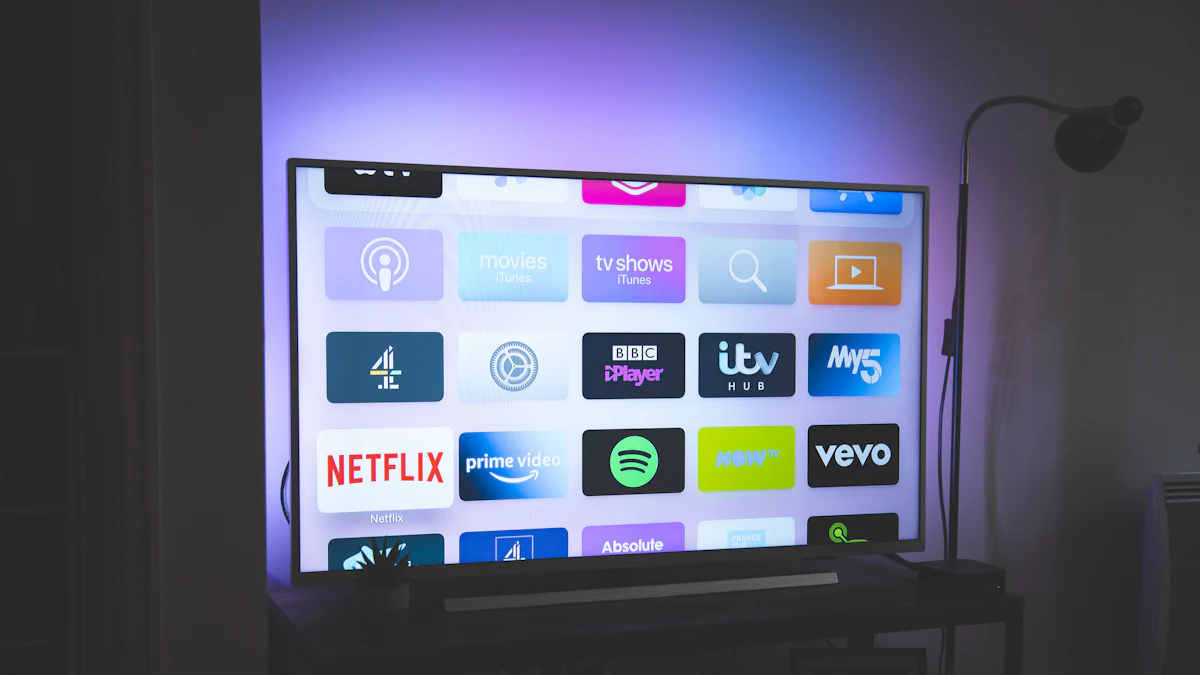
Apple's first smart display, HomeView, goes on sale November 13. Think of it as Apple's answer to the Google Nest Hub and Amazon Echo Show, with Siri AI built in.
What it is
- A 7-inch square-ish screen
- Runs on the A18 chip
- Powered by Siri AI
- Two versions: tabletop and wall-mounted
- Tabletop colours: silver, starlight, rose pink and space grey. Wall mount: silver and space grey.
What it can do
- Recognise up to six people in your home by face, and show each person their own calendar, reminders and info
- Control smart home gear with support for Matter and Thread
- Show camera and doorbell footage
- Display calendar events and the temperature
- Change its layout depending on how far away you're standing
- Built-in temperature and humidity sensors you can use in Home app automations
What it costs (really)
The price is $299 for either version. But:
- The wall-mount version needs a mount, starting at $59.95 for the USB-C option
- The wall version doesn't come with a cable or power adapter, and Apple calls for at least 20W
So the wall-mounted one ends up closer to $380 once you've bought everything.
Advertisement
Where it isn't sold
HomeView won't be sold in the European Union, because Siri AI isn't available on iOS there yet.
Should you buy one?
Yes, if:
- Your home already runs on Apple Home and you have an iPhone
- You want a shared family screen for calendars, cameras and controls
- You like Apple's approach to privacy for things like face recognition
Wait, if:
- You use Android or Alexa. It's built for iPhone households.
- You mostly want a kitchen screen for recipes and video. A cheaper Echo Show or Nest Hub does that fine.
- You'd rather see real reviews first. It's a brand-new product.
Building out your home setup? See our streaming device guide.
Sources
Sponsored