The Best Streaming Devices: Apple TV vs Roku vs Fire TV vs Google TV
Which streaming stick or box to buy for your TV: prices, remotes, ads in the menus and the one question that decides it, which ecosystem you use.
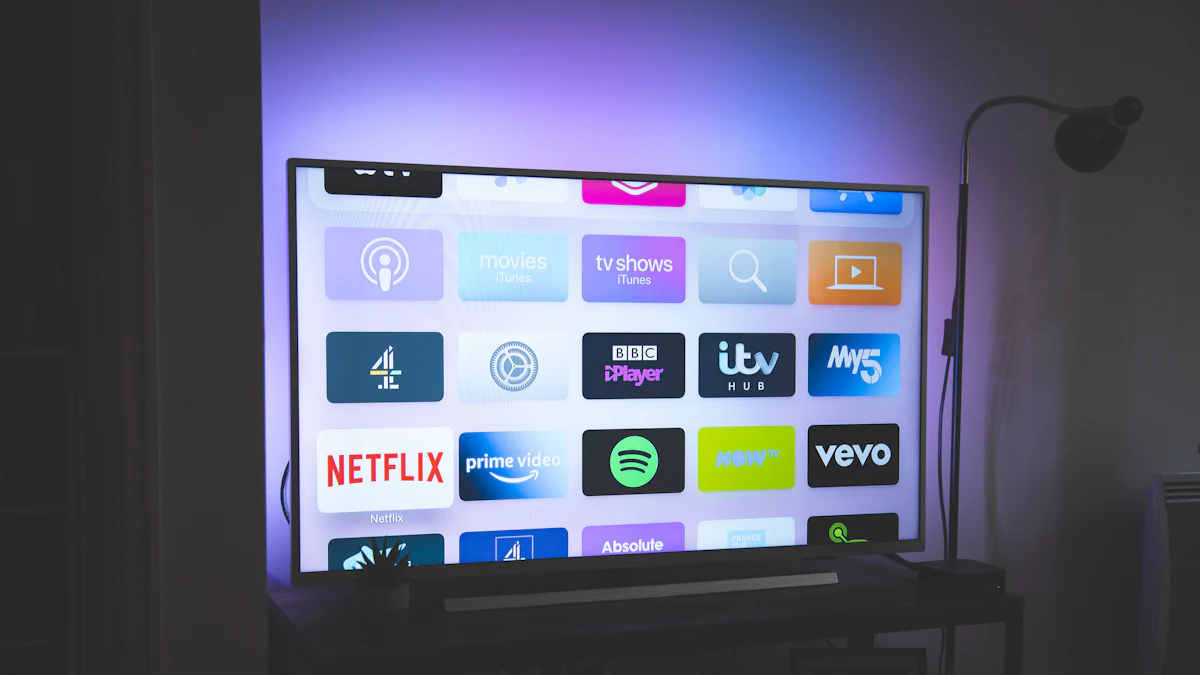
Your smart TV's built-in apps are probably slow, cluttered with ads or about to stop getting updates. A streaming device fixes all three for a modest price. The right one mostly depends on which phone and smart home you already use.
Quick picks
- Best overall, and for iPhone users:
 Apple TV 4K
- Best for most people on a budget: Roku Streaming Stick 4K
- Best for Alexa homes: Amazon Fire TV Stick 4K Max
- Best for Android and Google Home:
 Google TV Streamer
Prices
US list prices as of October 2026 (all are discounted often):
| Device | Approx. price | Best for |
|---|---|---|
| Apple TV 4K | $199 (Wi-Fi), $249 (with Ethernet) | Apple users, best experience |
| Google TV Streamer | About $99.99 | Google users |
| Roku Ultra | About $149.99 (often $99) | Roku fans who want Ethernet and extras |
| Fire TV Stick 4K Max | About $60 | Alexa homes |
| Roku Streaming Stick 4K | About $50 | Simple, cheap and neutral |
Apple raised the Apple TV 4K's price in June 2026 as part of wider increases blamed on the memory chip shortage.
Apple TV 4K: the best experience
Reviewers consistently call it the fastest and cleanest streaming device. There are no ads cluttering the home screen, the remote is excellent, and it works beautifully with iPhone, AirPods and HomeKit. It's also the priciest.
Buy it if: you use an iPhone, or you want the smoothest, ad-free experience and don't mind paying.
Roku: simplest and most neutral
Roku doesn't care which phone you use. Its menus are simple and every major app is available. The Streaming Stick 4K is a bargain; the Roku Ultra adds Ethernet, USB playback and a better remote.
Buy it if: you want something simple for yourself or a family member, at a low price.
Amazon Fire TV Stick 4K Max
Cheap, fast and built around Alexa voice control, with Wi-Fi 6E support. The home screen is busy and pushes Amazon's content and ads.
Buy it if: you have Echo speakers and Prime Video is your main service.
Google TV Streamer
Clean recommendations across services, Ethernet, 32GB of storage, Dolby Vision support and built-in Google Home controls.
Buy it if: you use Android, Google Photos and Google Home.
Before you buy
- Check your TV's HDR support (Dolby Vision, HDR10+) to get the most from a 4K device.
- Use Ethernet if you can, especially for 4K. See how to fix slow Wi-Fi if streaming stutters.
- Remote matters. Volume and power control of your TV through the remote saves juggling two remotes.
- Ads in menus. Cheaper devices subsidize their price with home-screen ads.