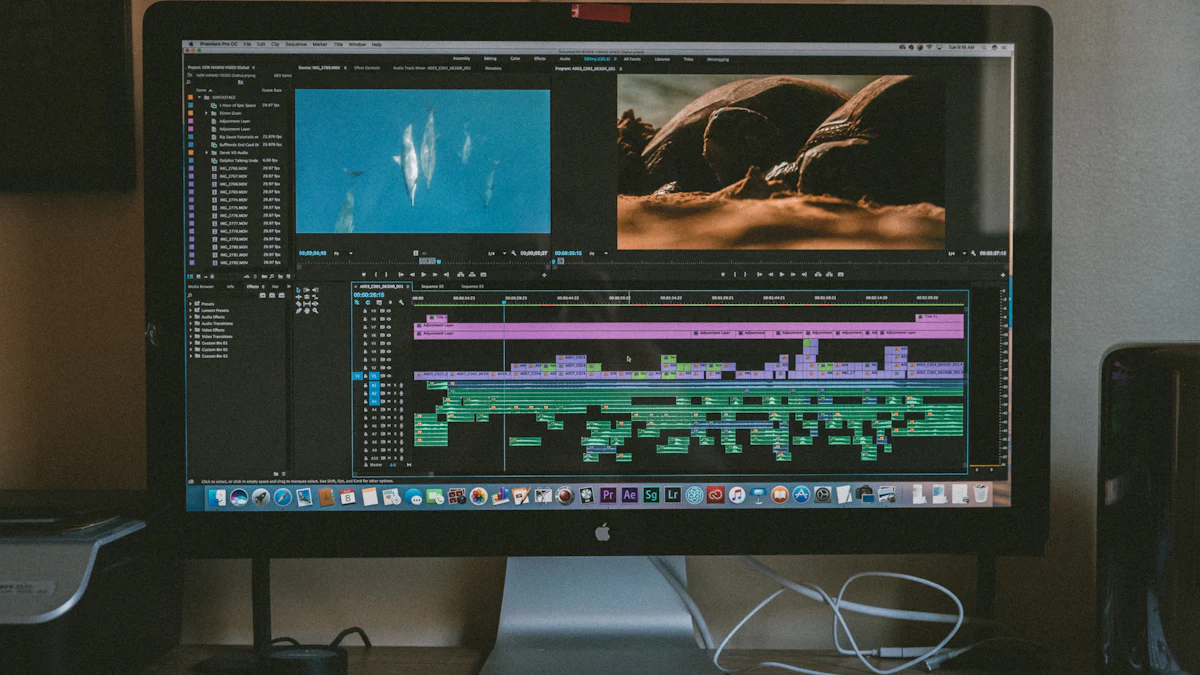
Free Video Editors That Don't Slap a Watermark on Your Work
DaVinci Resolve, Clipchamp, iMovie, Shotcut and CapCut compared: which free video editor suits YouTube, school projects or quick social clips.

The worst feeling in video editing: you spend three hours on a project, hit export, and a giant logo appears across the middle. "Upgrade to remove watermark."
Every editor on this list exports without a watermark on its free version. They're sorted roughly from simplest to most powerful.
iMovie (Mac, iPhone, iPad)
If you have an Apple device, start here. It's free, already installed and almost impossible to get lost in. Drag clips in, trim them, add a title and some music, done.
It runs out of road quickly if you want precise control, but for family videos, school projects and simple YouTube uploads it's perfect.
Clipchamp (Windows, web)
Clipchamp is Microsoft's editor, and it comes with Windows 11. It works like a simpler version of the editors YouTubers use: a timeline, templates, text, transitions and stock media.
The free plan exports without a watermark at up to 1080p, which is enough for YouTube and social media. It also includes screen and webcam recording, auto-captions and silence removal. 4K exports need Premium, which comes with a Microsoft 365 subscription.
Good for: Windows users who want something friendly that's already on their PC.
CapCut (Windows, Mac, phones)
CapCut became popular through TikTok, and it's very good at short, punchy vertical videos: auto-captions, trendy effects, beat-synced cuts.
Two things to know. A growing number of its fancier features and effects are locked behind a paid plan, so the free version is more limited than it first looks. And it's owned by ByteDance, TikTok's parent company, so read the terms if you're editing anything private or for a client.
Good for: short social clips where speed matters more than precision.
Shotcut (Windows, Mac, Linux)
Shotcut is free, open source and has no paid tier at all. Nothing is locked, there's no account and no upsell. It supports a huge range of formats and runs on older computers better than most.
The interface takes some getting used to, and it's less polished than the big names. But if you want a proper editor with no strings attached, it's excellent.
DaVinci Resolve (Windows, Mac, Linux)
This is the big one. DaVinci Resolve is used on actual films and TV shows, and the free version is astonishingly complete: professional editing, the industry's best colour correction, audio mixing and effects. It exports up to 4K with no watermark.
The paid Studio version ($295, one time, no subscription) adds extras that matter mostly to professionals, like certain AI tools and higher resolutions.
The catch: it's demanding. It wants a reasonably powerful computer with a decent graphics card, and the learning curve is real. Budget a weekend of tutorials.

So which one?
| You want to... | Use |
|---|---|
| Make a family video on a Mac or iPhone | iMovie |
| Edit a YouTube video on a Windows laptop | Clipchamp |
| Make TikToks and Reels quickly | CapCut |
| Avoid any account, upsell or tracking | Shotcut |
| Learn "real" editing for a future career | DaVinci Resolve |
One honest tip: the editor matters less than you think. Good videos come from good audio, a clear idea and cutting out the boring bits. Any tool on this list can do all three.
Recording your screen for a tutorial? See Free Screen Recorders for Windows and Mac.